


Bible Gateway is one of the most powerful free tools for Bible study. If you’re learning how to use Bible Gateway, you’ll find it helps you read Scripture more clearly, compare translations quickly, and dig into context and study tools without needing lots of printed resources. In this guide you’ll learn step-by-step how to search verses, compare translations, read context, and use the many study tools Bible Gateway offers so your Bible study becomes richer and more accessible.

Introduction
If you’re starting Bible study online, Bible Gateway should be one of the first tools you learn to use. It’s accessible, free, and packed with features—from searching single verses to comparing dozens of translations side-by-side. You’ll see how to use the search box, how to read surrounding context, how to compare translations and use commentaries, and how to save notes and highlights for your personal study. Use this guide as a practical walkthrough so you can move from curiosity to confident use.
What Bible Gateway Is and Why It Helps You
Bible Gateway is a digital Bible portal that aggregates translations, reading plans, audio Bibles, commentaries, dictionaries, and more. You’ll appreciate that it brings many study resources into one place so you don’t need to toggle between apps or books. Whether you’re doing devotional reading, sermon prep, or scholarly study, Bible Gateway saves time by giving you quick access to the text in dozens of versions and languages, along with tools to explore meaning, cross-references, and background.
How to Use It
This next section breaks the core tasks into clear actions you can take immediately. You’ll discover how to search for a verse, compare translations, read context, and use extra study tools that deepen your understanding.
Search verse
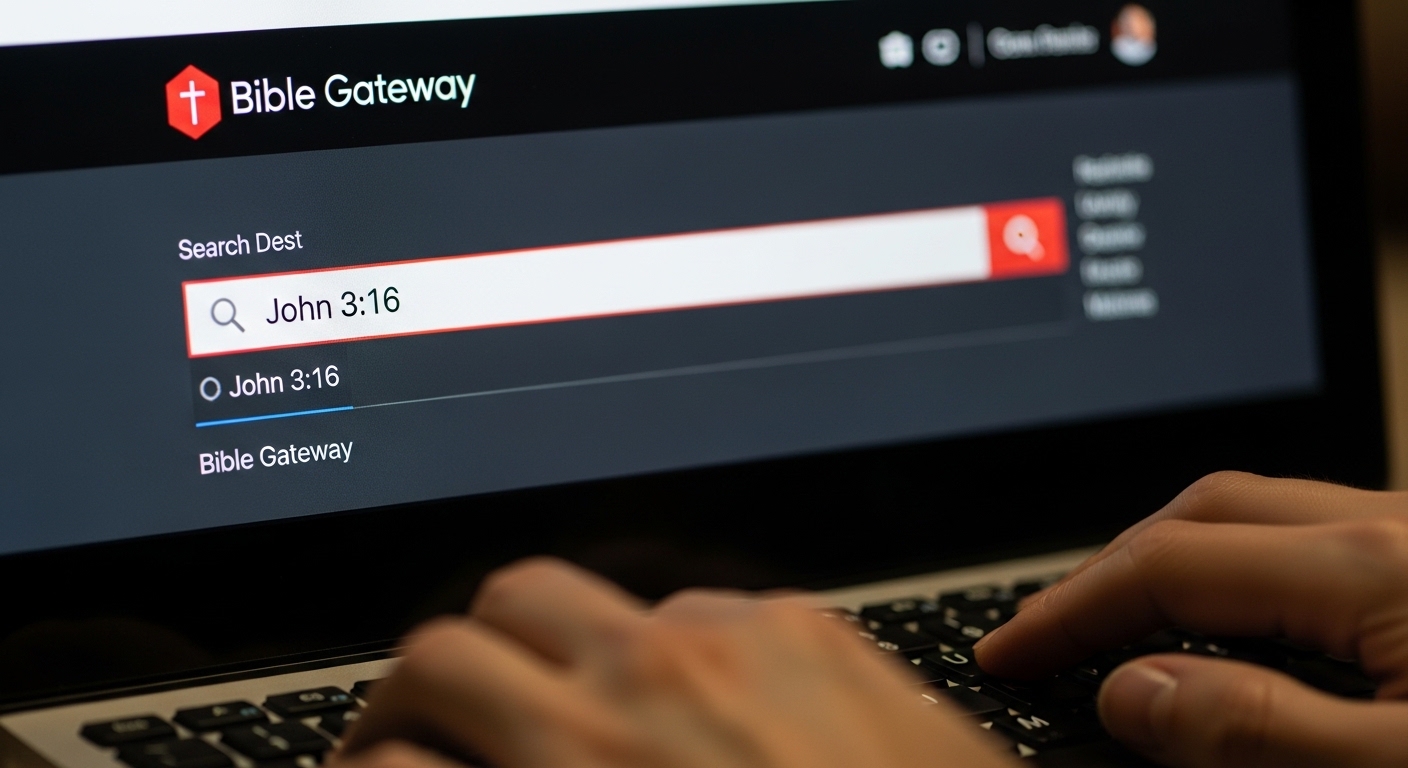
Searching a verse on Bible Gateway is the foundation of everything else you’ll do. Start by typing a book name and chapter:verse into the search bar (for example, type John 3:16). The site will return the verse in the default translation and give you options to change translations, listen to audio, and jump to the chapter or book. Use quotes around phrases to search for exact wording or use keywords to find passages that contain a phrase. If you want to search multiple verses or a range, enter something like John 3:16-18 and hit enter. You’ll quickly see how flexible the search is for both exact verse lookups and broader phrase searches.
Compare translations
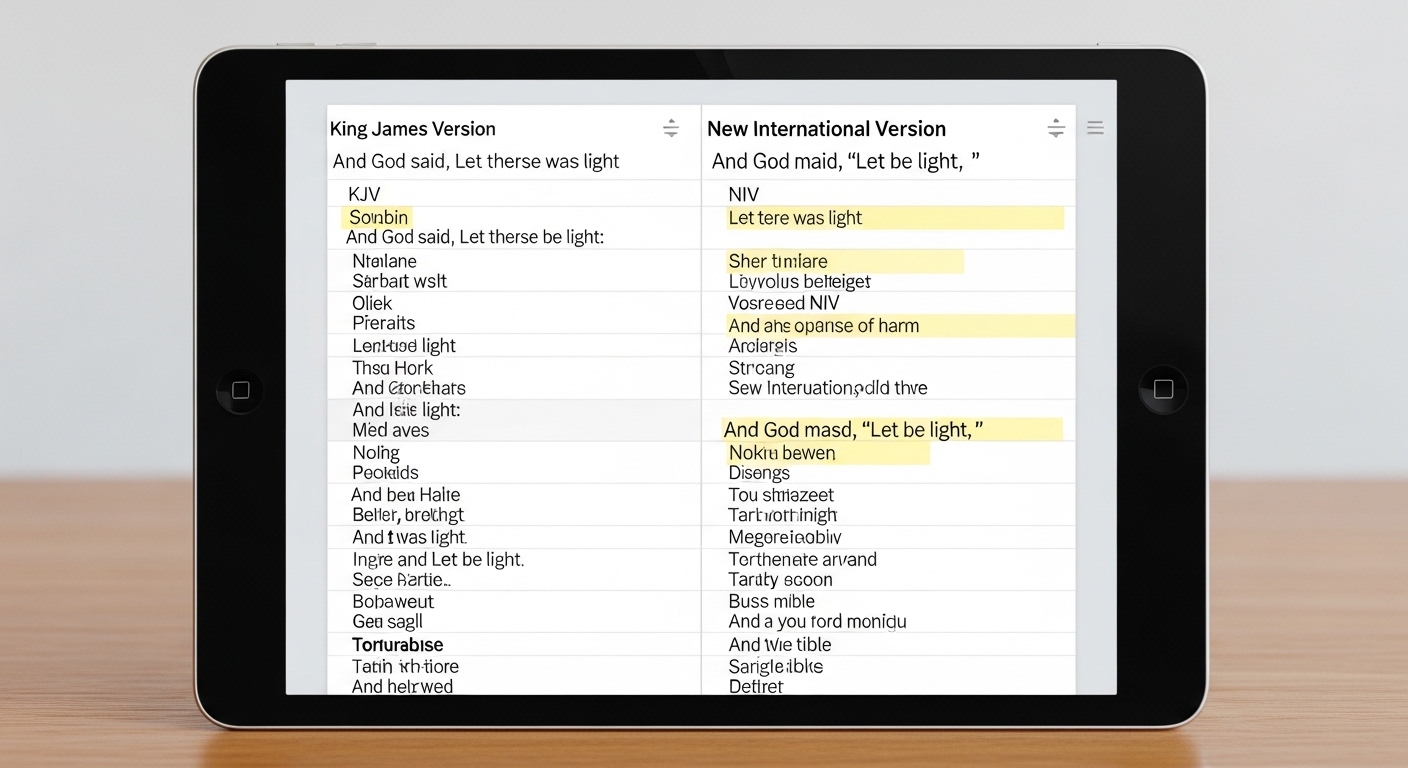
One of Bible Gateway’s most valuable features is the Compare tool. After pulling up a verse or chapter, you can select multiple translations to display side by side. This helps you see how translators have handled tricky Greek or Hebrew words, and it reveals nuances you might miss reading a single version. When you compare, look for differences in tense, verb choice, and expanded phrases. Use the Compare view to choose a primary translation for memorization and another for study clarity. You’ll find that sometimes a literal translation brings out the original structure, while a thought-for-thought translation clarifies meaning in modern language.
Read context
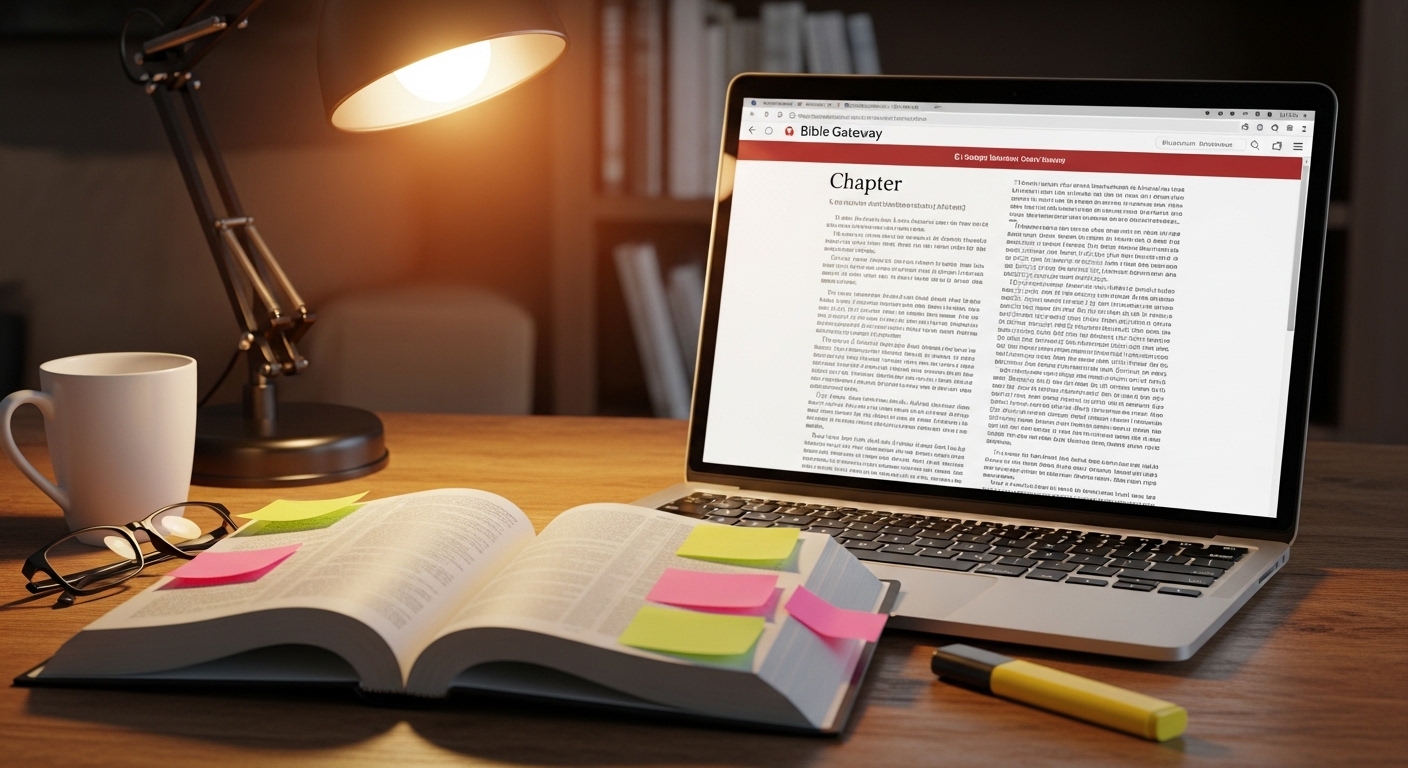
Never study a verse in isolation if you want to understand the Bible responsibly. Bible Gateway makes it easy to read the entire context: you can click to view the whole chapter or use the arrows to navigate chapters. Read the preceding and following passages to grasp the flow of thought, the audience, and the occasion for the passage’s writing. Context also includes literary genre — narrative, poetry, prophecy, or epistle — and Bible Gateway helps you move between those quickly. When you study context, you’ll be following the example of believers in Acts who “examined the Scriptures daily” to see whether things were so, a good model for any Bible student (Acts 17:11).
Use study tools
Beyond the text itself, Bible Gateway offers commentaries, dictionaries, reading plans, devotionals, and audio Bibles. Use commentaries to see how trusted scholars interpret difficult passages. Cross-reference features let you jump between related verses, saving time and helping you track themes across Scripture. Use the reading plans and devotionals to build a habit, and the audio feature to listen while driving or walking. If you create a free account, you can highlight text, save notes, and track progress — all of which turn passive reading into active study.
Step-by-step Beginner Tutorial
This practical walkthrough assumes you’re at BibleGateway.com or using the app. Follow these steps to complete a focused study session.
- Open Bible Gateway and find the search bar. Type a reference or a phrase and press Enter.
- Choose the translation you prefer from the dropdown menu. If you plan to compare, pick at least two different translations.
- Click “Compare” to view translations side-by-side. Read how each renders the verse and note meaningful differences.
- Click the chapter number or “Read the chapter” link to read the passage’s full context. Read what comes before and after, and look for the author’s main point and audience.
- Use cross-reference links and footnotes (when available) to follow themes or parallel passages.
- Open commentaries or dictionary entries for background, historical notes, and theological insight.
- Highlight and add notes to verses you want to remember, and use reading plans if you want systematic coverage over time.
Each step is simple, but repeated practice will make you faster and more discerning. You’ll find your questions become more specific as you learn to notice patterns and nuances.
Example Use
Let’s walk through an example so you can see how these steps fit together. Suppose you want to study John 3:16.
Start by entering John 3:16 in the search box. The verse appears in your chosen translation. Read it, then click “Compare” to view several translations side-by-side. Notice differences and ask why translators chose certain words. Next, click to read the full chapter. See how the verse fits into Jesus’ conversation with Nicodemus. Read the surrounding verses to capture flow and intent. Use commentaries to learn about the phrase “eternal life” or “so loved the world.” Cross-reference to similar themes in other books.
After that, listen to the audio version to hear emphasis and cadence, which can reveal rhetorical points. Highlight phrases that strike you and write a short note on why that phrase matters for your life or ministry. Save the passage to a reading list or plan for deeper study later. This hands-on approach brings the verse to life and gives you both theological and practical takeaways.
Reading for Context: Practical Tips
When you read context, aim to answer these questions: Who wrote it? To whom? Why? What’s the main message? What’s the immediate flow of thought? Always read at least one chapter before and after the verse, but you’ll often need to go further — sometimes an entire section or the whole book — to see the author’s argument. Bible Gateway’s chapter and book navigation makes this painless. Use the display controls to expand to full chapter view or chapter range. If you’re studying a sermon passage, reading the whole book’s introduction and conclusion can shape your interpretation.
Comparing Translations: What to Look For
When you compare translations, you’re reading translations, not the original. Focus on these elements:
- Variations in wording that change emphasis (for example, “save” vs. “rescue”).
- Additions or explanatory words included by the translator.
- Differences in sentence structure that affect meaning.
You’ll learn that no single translation is perfect for every purpose: some are better for memorization, others for doctrinal clarity, and some for devotional readability. By comparing you develop sensitivity to the text’s nuances. Use the Compare feature to view two to four translations at once and note differences directly beneath one another.
Study Tools You Should Use Regularly
Bible Gateway offers numerous tools; here are the ones you’ll use most:
- Parallel/translations Compare view for nuance.
- Audio Bibles to help with pronunciation and rhythm.
- Commentaries and study notes for background and interpretation.
- Cross-reference and footnote links to trace themes across Scripture.
- Reading plans and devotionals for daily discipline.
- Search filters by language, version, and dates to refine searches.
Using these consistently will deepen your Bible literacy and help you apply Scripture thoughtfully.
How to Use Notes, Highlights, and Bookmarks
If you create an account on Bible Gateway you can highlight verses, add personal notes, and bookmark passages. You’ll find these features helpful for sermon prep, journaling, and returning to favorite passages. When you highlight, use color-coding if you like — for promises, commands, and prayers, for instance. Notes can include your observations, cross-references, and application points. Bookmarks or saved passages help you assemble material for teaching or an upcoming devotional series.
Working with Audio and Devotional Resources
Bible Gateway’s audio Bibles let you listen to the Scripture read by different narrators or dramatized versions. Listening can reveal rhythm and stress that reading silently may miss. Devotionals and reading plans help you stay consistent: choose a plan by topic, length, or Bible portion. For busy days, choose a short plan or a single-verse reflection. Over time, the habit of listening and reflecting will deepen your spiritual formation and understanding.
Using Commentaries and Study Bibles
When you use commentaries, read them after your own careful reading first. Use commentaries to clarify cultural background, historical setting, and theological interpretation. Study Bibles included or linked in Bible Gateway often have helpful introductions and verse-level notes. Approach commentaries critically: compare scholars’ viewpoints, check original language notes if available, and see how your understanding changes after consulting these resources. Remember, commentaries are aids, not replacements for the text itself.
Searching by Topic or Phrase
If you’re researching a topic — like “grace” or “faith” — use the search box with quotes for precise phrase searching (e.g., “fruit of the Spirit”). You can also filter by translation or language. Bible Gateway’s search will return verses and related study resources. For thorough topical study, use cross-references and concordance features to map the theme across the Bible. This approach helps you build a theology of a topic based on the full counsel of Scripture.
Dealing with Difficult Passages
Difficult passages require patience. Start by reading surrounding context and comparing translations. Consult commentaries and lexicons (word studies) to understand original words. Read background articles or introductions to the book you’re studying. Prayerfully consider historical and cultural issues that may affect interpretation. When confusion remains, consult a trusted pastor or teacher. Bible Gateway gives you tools to gather information; exercise wisdom in weighing interpretations.
Cross-References and Footnotes: How to Use Them Effectively
When you find a footnote or cross-reference, follow it. Cross-references lead you to related verses that often illuminate meaning or show how the New Testament interprets the Old. Footnotes often indicate variant readings, translation choices, or contextual details. Use these to triangulate meaning and confirm your conclusions. They’re practical signposts that guide you into a fuller reading of Scripture.
Using Bible Gateway for Sermon or Lesson Prep
If you prepare a sermon or lesson, use Bible Gateway to collect translations, check cross-references, find commentaries, and assemble application points. Start with a careful reading, then compare translations, consult commentaries, and identify practical applications. Use the highlight and notes features to keep your source material organized. Save your favorite passages and notes in a folder or document linked to your study. Bible Gateway’s search and comparison tools save you time while helping you preserve exegetical integrity.
Integrating Bible Gateway with Other Study Habits
Bible Gateway is a tool — integrate it with other habits: prayer, meditation, journaling, and community discussion. After studying a passage with Bible Gateway, write a brief summary of insights and applications. Share interesting finds with your small group or mentor and ask for feedback. Use the site’s reading plans for daily consistency, and use highlights and notes to track spiritual growth over time.
🔗 Before You Study Another Verse—Read These
👉 The Beginner’s Guide to Actually Understanding the Bible
👉 Stop Misreading Scripture: Learn Context First
👉 This Simple 3-Step Method Will Change How You Read the Bible
Pillar
A pillar in your Bible study routine is a central resource or habit you return to consistently. Bible Gateway can be part of that pillar — for example, using one primary translation for devotional reading and another for detailed study. Your pillar could also be a weekly rhythm: read, compare, consult commentary, apply, and pray. Decide which features of Bible Gateway will support that rhythm and lean on them regularly to create depth and continuity.
Translation guide
Choosing translations wisely matters. Use a dynamic-equivalence translation (thought-for-thought) for devotional clarity and a formal-equivalence translation (word-for-word) for closer study. Compare translations when you encounter ambiguity. Bible Gateway’s Compare tool helps you see differences quickly. Some common choices: the NIV or NRSV for readable accuracy, the ESV for more literal study, and the NLT for devotional clarity. Don’t be fixated on a single translation — let different translations illuminate the text’s richness.
Context guide
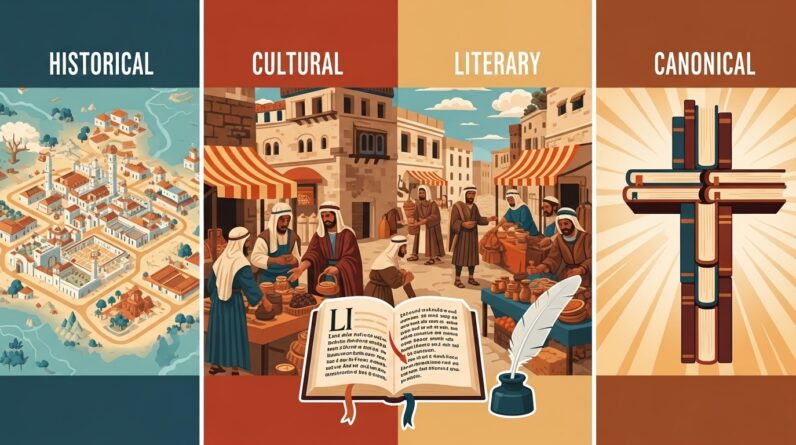
Understanding context includes literary setting, historical background, and the author’s purpose. Look for who is speaking, who is being addressed, and what cultural or historical events shaped the text. Bible Gateway’s book introductions, notes, and links to dictionaries help you build this picture. When you read a passage, ask: Is it narrative, prophecy, law, or letter? What’s the immediate situation? What larger canon context affects meaning? These questions will guide you toward accurate interpretation and relevant application.
Practical Examples of Bible References (with links)
- See the model of Scripture’s clarity about its purpose in 2 Timothy 3:16, which explains why the Bible is valuable for teaching and training.
- For a reminder that God’s Word guides your steps, see Psalm 119:105.
- To reflect on the living power of Scripture, read Hebrews 4:12.
- For an example of eager Bible examination, read about the Bereans in Acts 17:11.
Each of these references links back to Bible Gateway so you can read the surrounding context and use the site’s tools to dig deeper.
Tips for Memorization and Application
If you want to memorize verses, use Bible Gateway’s audio and listen repeatedly. Compare translations and pick the version that’s easiest to memorize. Write the verse on a card, repeat it aloud, and use the site’s share or copy function to create a printable version. For application, ask: What is God commanding, promising, or warning here? How should this change your thinking or behavior? Write a short action step and revisit it during prayer.
Common Mistakes to Avoid
You’ll learn faster if you avoid these common pitfalls:
- Studying isolated verses without context.
- Taking a single translation as the final answer.
- Relying exclusively on one commentary without comparing viewpoints.
Bible Gateway helps you avoid these mistakes by making cross-checking and context-reading easy.
Advanced Features to Explore
As you grow, explore advanced tools: original language interlinears, Hebrew and Greek lexicons linked to words, and deeper commentaries. Bible Gateway links to many scholarly resources and sometimes provides interlinear or lexicon information. Use these features when you want to dig into the original meaning of a specific word or phrase.
Frequently Asked Questions
Q: Is Bible Gateway free?
A: Yes, core features are free. Some premium content requires a subscription, but the free tools are substantial and useful for most personal study needs.
Q: Can I use Bible Gateway offline?
A: The website itself requires internet. The Bible Gateway app may offer downloaded Bibles depending on their app functionality and your subscription level.
Q: Can I cite Bible Gateway in academic work?
A: You can cite the translation and the page for the specific verse. For rigorous academic work, also consult academic editions and critical apparatus when necessary.
Safety and Reliability
Bible Gateway is a reputable platform that aggregates well-known translations and provides links to recognized study resources. But always cross-check with other reputable sources if you’re doing scholarly research or preparing teaching material. Use Bible Gateway’s links to original sources, commentaries, and translation notes to verify critical points.
Image Prompt
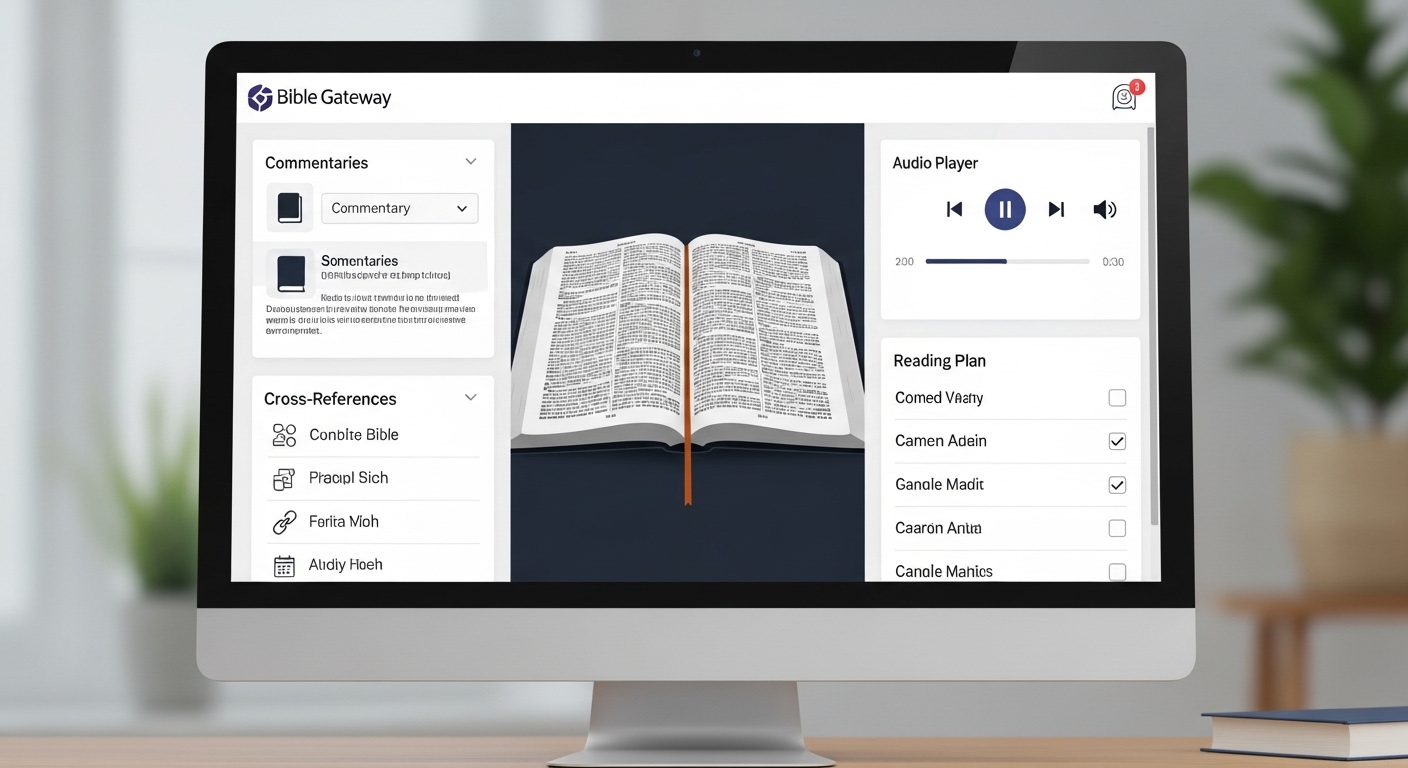
Header image suggestion: “Laptop showing Bible Gateway website study session” — place this as the hero/header image at the top of the article to set the visual tone for your guide.
Recommended Reading Plans and Next Steps
After you’ve followed this guide, pick a reading plan on Bible Gateway — perhaps a one-year Bible, a gospels-focused plan, or a topical plan on prayer or grace. Commit to a rhythm: twenty minutes a day of reading, comparing translations twice a week, and using commentaries for one passage each week. Over months, you’ll notice more clarity and stronger application.
Conclusion
Bible Gateway makes Bible study easier and deeper. By learning how to search verses, compare translations, read context, and use study tools, you’ll develop habits that strengthen your understanding and spiritual growth. Start small, be consistent, use the resources thoughtfully, and let the Word shape your life.
Short Prayer
Lord, thank you for giving us your Word. Help you read it with open hearts, discern its truth, and apply it in ways that transform our lives. Guide our study, deepen our understanding, and turn knowledge into faithful action. Amen.